HR & Finance guide
HR clears onboarding and runs payroll; Finance approves and pays it out. Everyone else depends on you being ready. Back-office screens are in English (Bangla is employee-facing).
- HR
- onboarding · people · calculate payroll
- Finance
- approve · disburse · tax
The HR ↔ Finance split
Payroll is deliberately split so no one person both calculates and pays. Know your half:
The day-one bottleneck is yours (HR)
Every employee's first login waits on HR onboarding approval before they can do anything. On launch day, staff HR to approve that queue in real time — it is the single thing that unblocks the whole company.
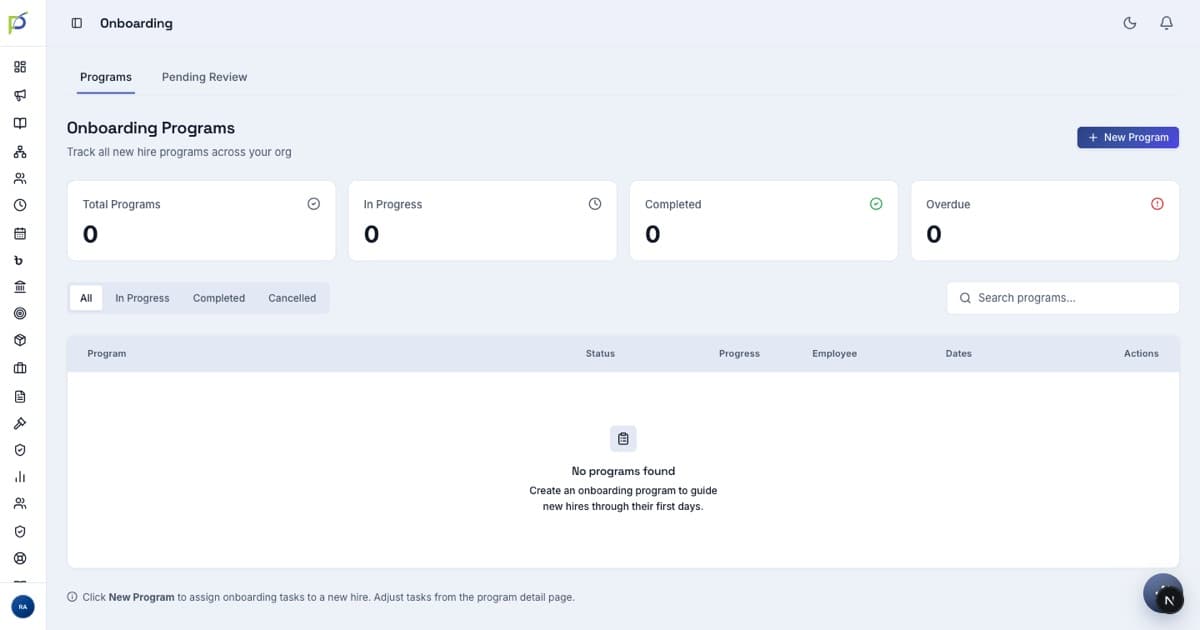
Approving onboarding
New joiners complete a 5-step wizard (password, profile, bank, documents) and submit. They sit as Under Review until you approve — and can't reach the app until you do.
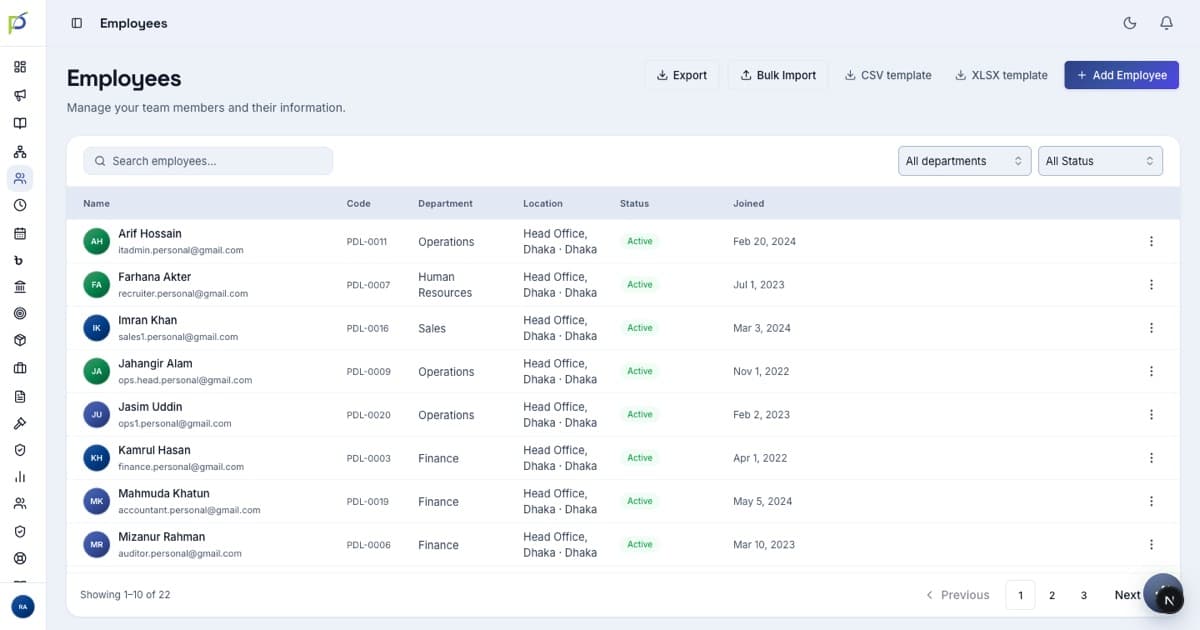
Managing employees
Leave config
/leave → Configuration → Add type — set up leave types, accrual and carry-forward.
HR-stage approvals
You're stage 2. On /leave the Employee queue shows Pending approvals (organisation) with Approve selected for bulk.
Offboarding & F&F
/offboarding, /resignation and /fnf/clearances for exits.
Running payroll
Go to /payroll → New payroll run, which opens the run.
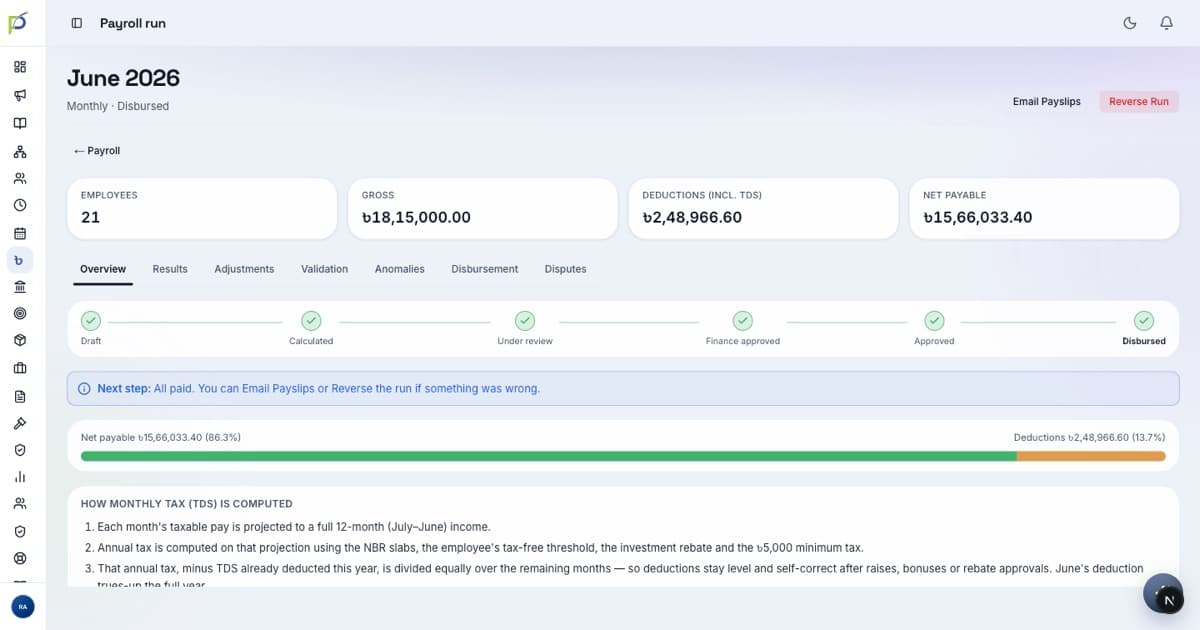
- 01CalculateGenerates every employee's payslip (see the Results tab). Recalculate if you change inputs.
- 02Submit for reviewHands the run to Finance. Status → Under review. (The Approve button is Finance's, not yours.)
- 03Email PayslipsAfter Finance approves and disburses, bulk-send payslips to all staff.
Approving & disbursing
Finance approves the run, then pays it out from the Disbursement tab.
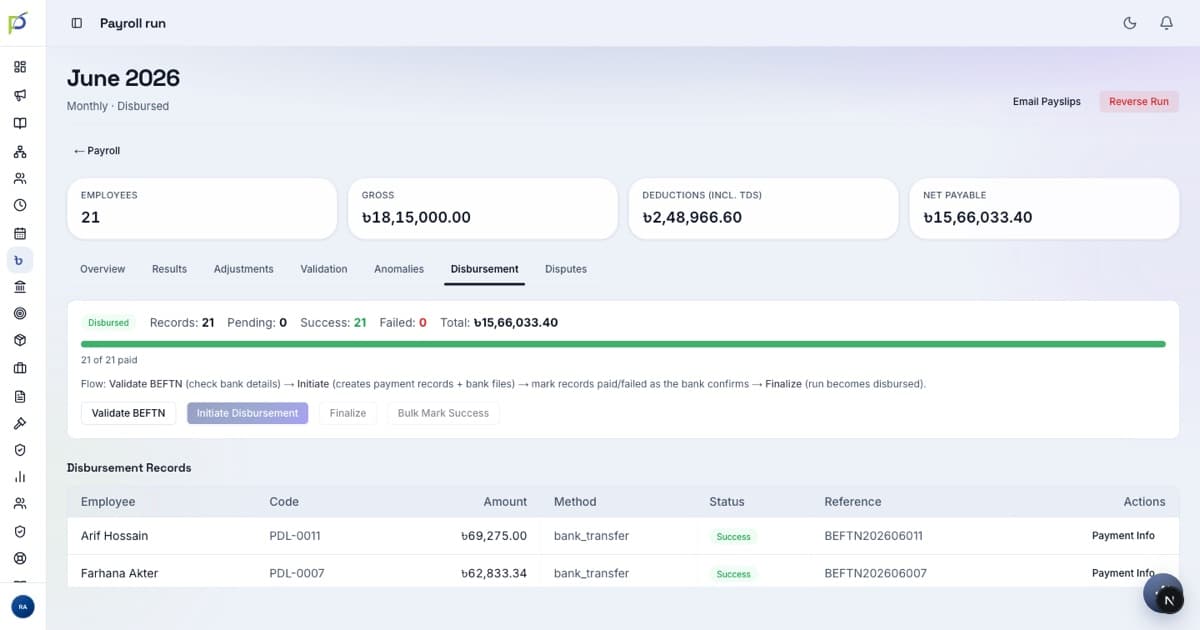
If dual sign-off is on, the Org Admin/CEO Counter-signs after Finance approves — an extra safety check before money moves.
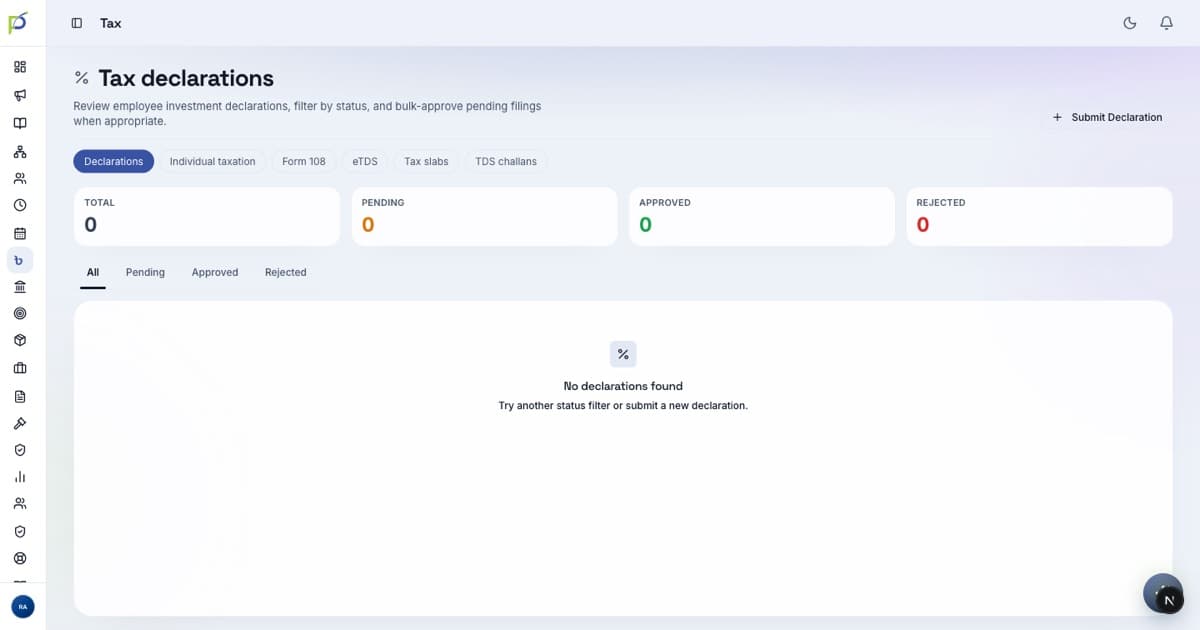
Tax & statutory
Before launch, agree the hand-offs
HR can approve onboarding (day-one bottleneck) + add/bulk-import people · HR + Finance agree the payroll baton (HR Calculate → Submit, Finance Approve → Disburse, HR Email payslips) · Finance confirms the bank-file format your bank accepts · reporting lines are correct so approvals route to the right managers.