Org Admin & CEO guide
Org Admin sees and controls everything — settings, roles, people and payroll oversight. This guide also covers the handful of things leadership (CEO) actually needs.
- Admin
- settings · roles · members · setup
- CEO
- approve · oversee · lead by example
Admin vs. leadership
The Org Admin is the superset role — every screen HR, Finance and Managers see, plus org-wide setup only you can touch (Settings, Org structure) and the payroll Counter-sign authority. A CEO may hold this role, or a lighter one — either way, skip to CEO essentials below for the short version.
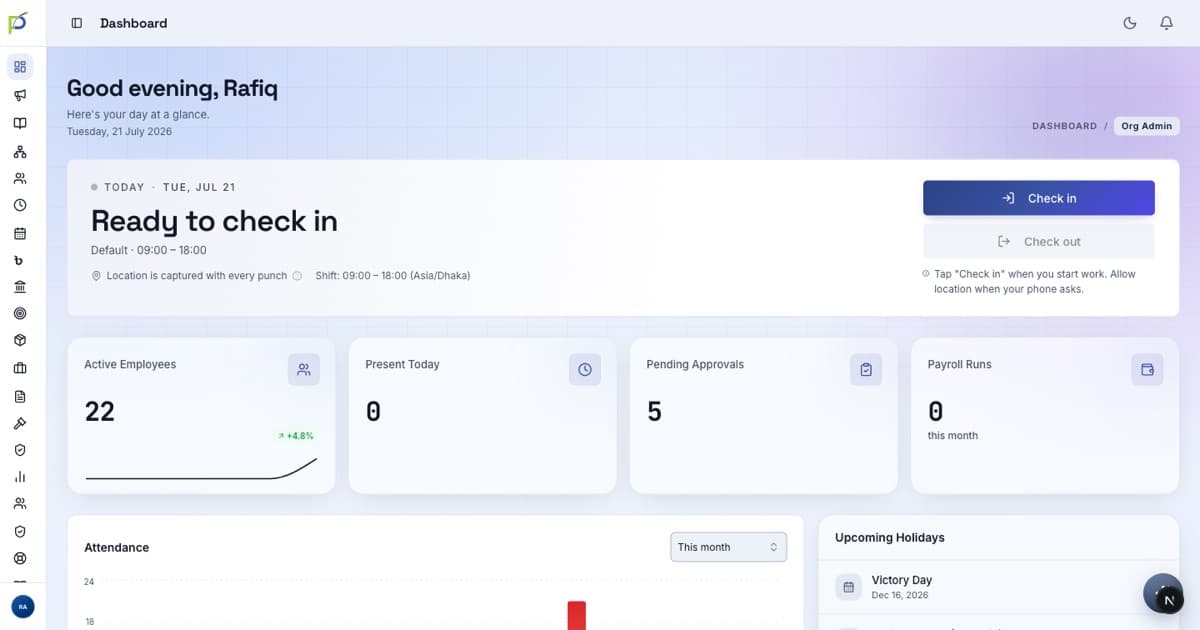
The org dashboard
Settings & approval rules
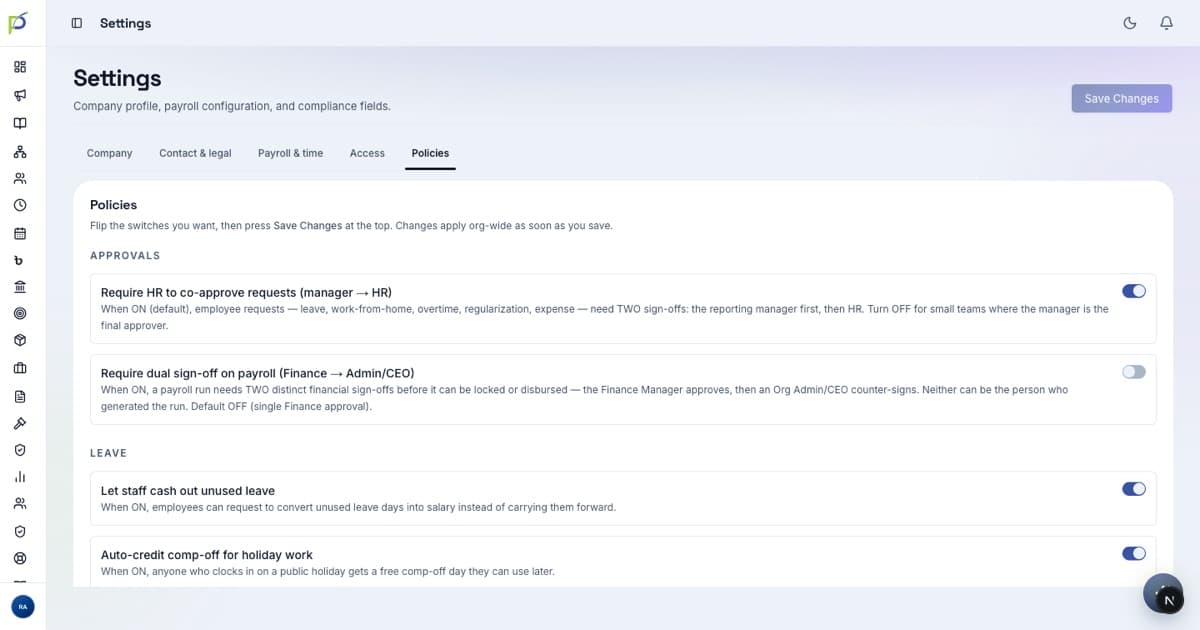
At /settings the tabs are Company, Contact & legal, Payroll & time, Access, and Policies. The Policies tab is where you set how approvals work.
Also admin-only: /org-structure (departments, grades, reporting lines) and the guided /setup wizard for first-time configuration.
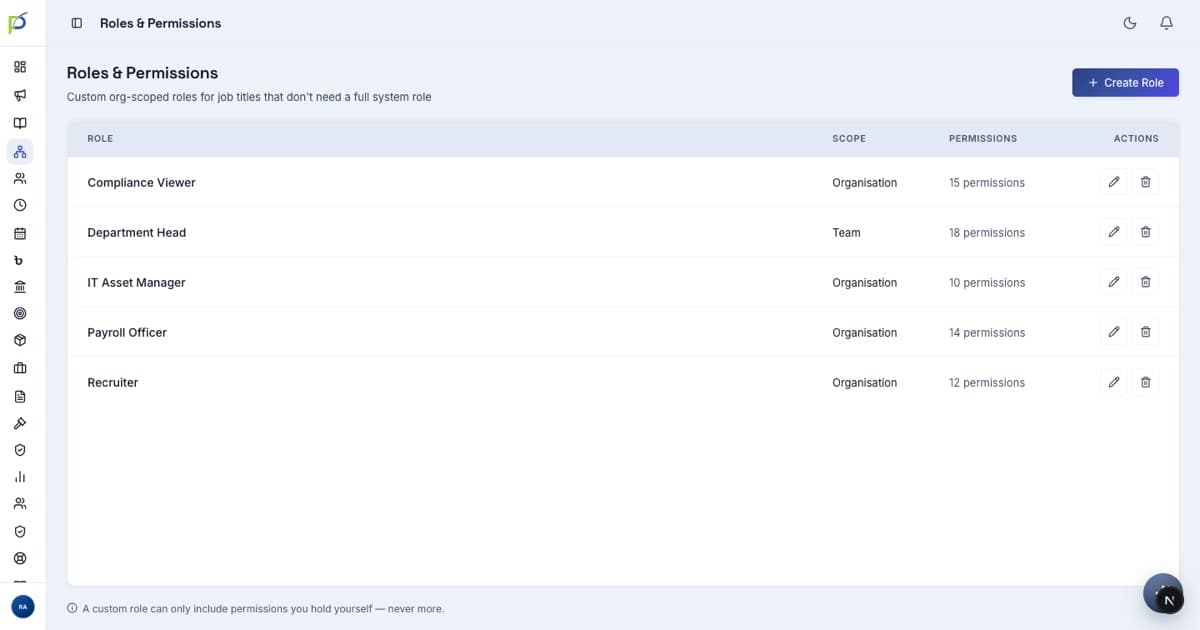
Roles & permissions
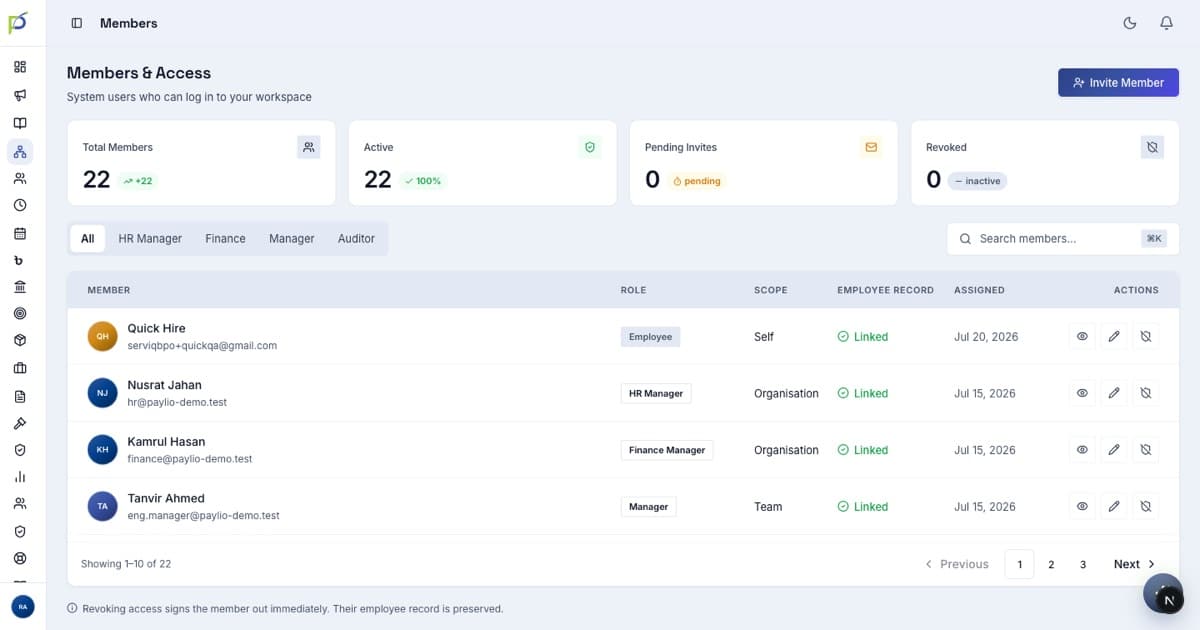
Members & payroll oversight
CEO essentials
If you're leadership, you don't need the whole system — just four things:
- 01Sign in & look aroundmypaylio.com/signin — the dashboard gives you the org at a glance.
- 02Approve what routes to youFinal leave approvals and the payroll Counter-sign appear in the relevant screen. Requests you raise skip the manager step and go straight to HR.
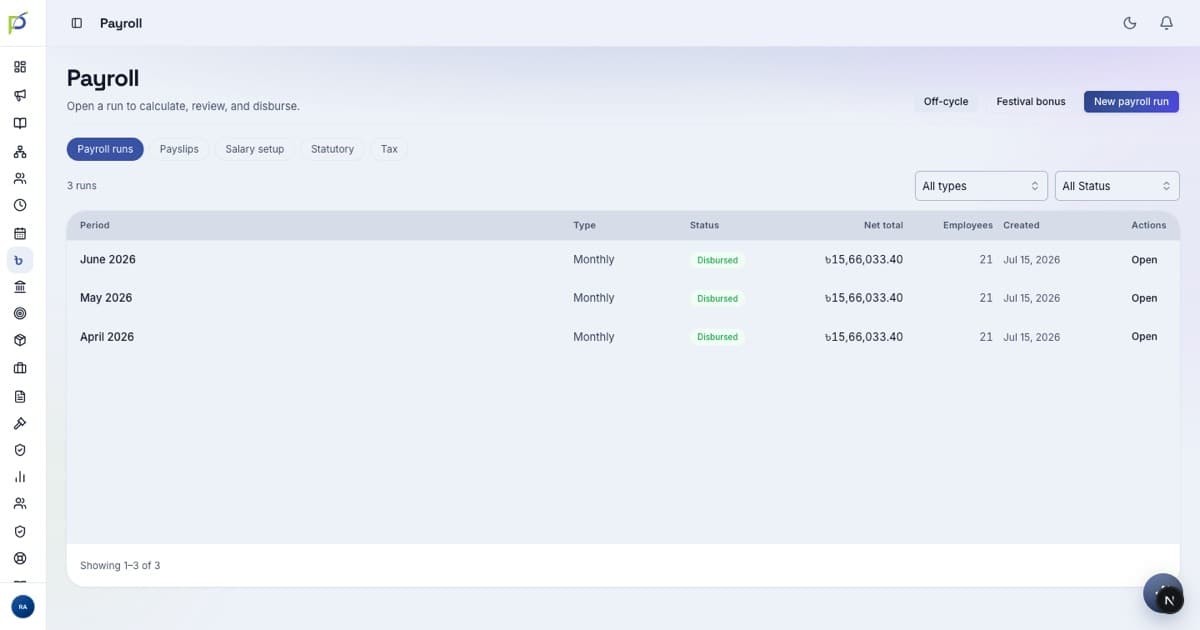
- 03Watch the numbersHeadcount, attendance, pending approvals and payroll status are all on the dashboard — no report to run.
- 04Lead by exampleThe strongest adoption signal on launch day is the CEO checking in and approving in the app. If leadership uses it, everyone will.
Before launch, confirm as admin
The two approval toggles in Settings match how you work · everyone is invited at the right role · reporting lines are correct in Org structure · HR is staffed to clear the onboarding queue on day one.